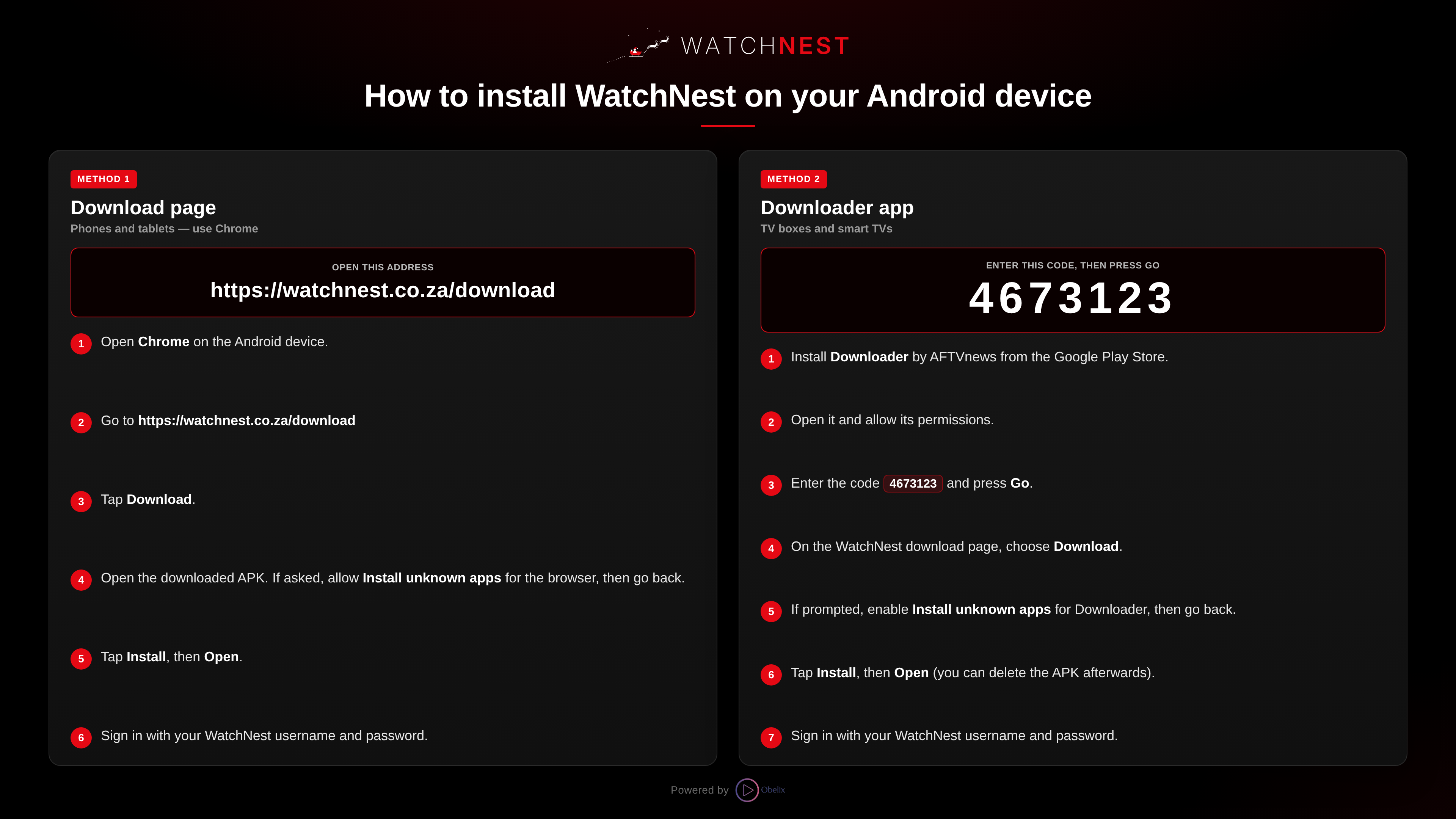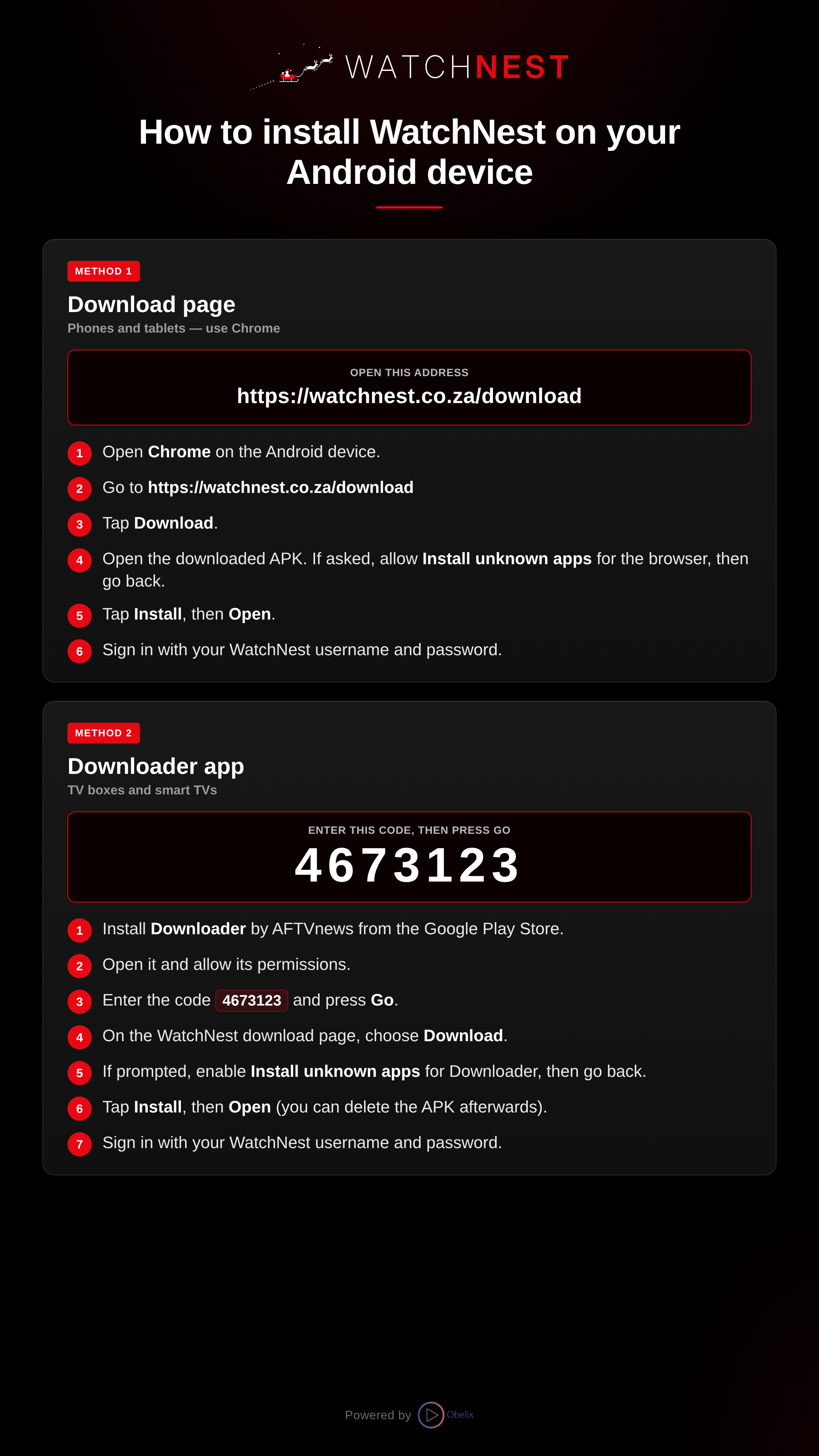

Method 1
Download page
Phones, tablets and media boxes — install from your browser
Open this address
- 1Open a browser on your phone, tablet or media box.
- 2Go to https://watchnest.co.za/download
- 3Tap the red Secure Download button. The browser installs the WatchNest app directly — no separate download is needed.
- 4If asked, allow Install unknown apps for the browser, then go back. Tap Install, then Open.
- 5Sign in with your WatchNest username and password.
The browser is only for installing the app. Once it is installed, open and watch in the WatchNest app, not the browser — most content will not play in a browser.